
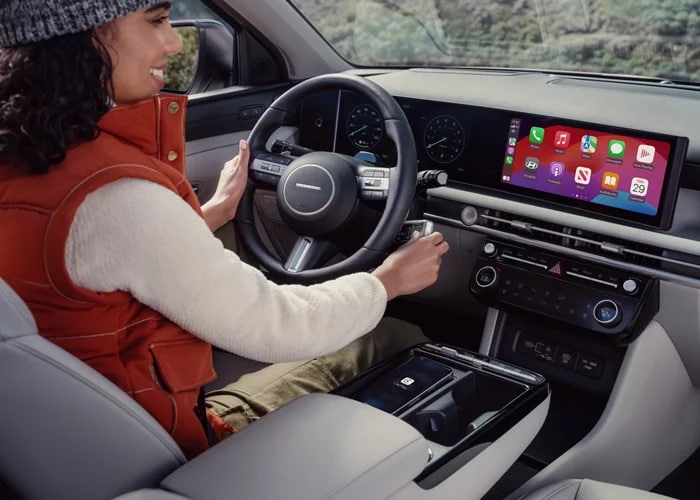
If you’re wondering how to turn off Driver Attention Warning in the Hyundai Tucson, the answer is simple. You can adjust settings for this feature in your infotainment system, and change settings for your other safety features as well. Key Hyundai can help you set the perfect safety parameters for your drive with these quick adjustments.
Driver Attention Warning
To disable Driver Attention Warning alerts, you just need to select Settings > Vehicle > Driver assistance > DAW (Driver Attention Warning) on the infotainment screen while the vehicle is on. Here, you can deactivate forward attention warning, which normally alerts you when the vehicle detects you aren’t looking at the road. You can also switch off leading vehicle departure alert, which tells you when the vehicle ahead of you starts moving at a stop.
Lane Keeping Assist™
Another safety feature you may want to adjust is the Lane Keeping Assist; just select Settings > Vehicle > Driver assistance > Driving safety > Lane safety. Then, you can adjust the type of alerts you’ll get (haptic or audio) and the intensity of the warning. Alternatively, you can disable this feature altogether if you find that it interferes with your steering.
Smart Cruise Control™
Finally, you can adjust the Smart Cruise Control™ settings for better following and speed management. Just select Settings > Vehicle > Driver assistance > Driving Convenience > Smart Cruise Control to find following distance, acceleration intensity, and reaction speed controls. With this, you can determine exactly how the vehicle should handle when Smart Cruise Control™ is active.
Learn How to Turn Off Driver Attention Warning in the Hyundai Tucson Here
Safety doesn’t rest in the Hyundai Tucson, but you can prioritize the driver assistance features you want. Find out more by contacting Key Hyundai for more information about the Hyundai SmartSense™ platform.
Categories:
New Inventory


